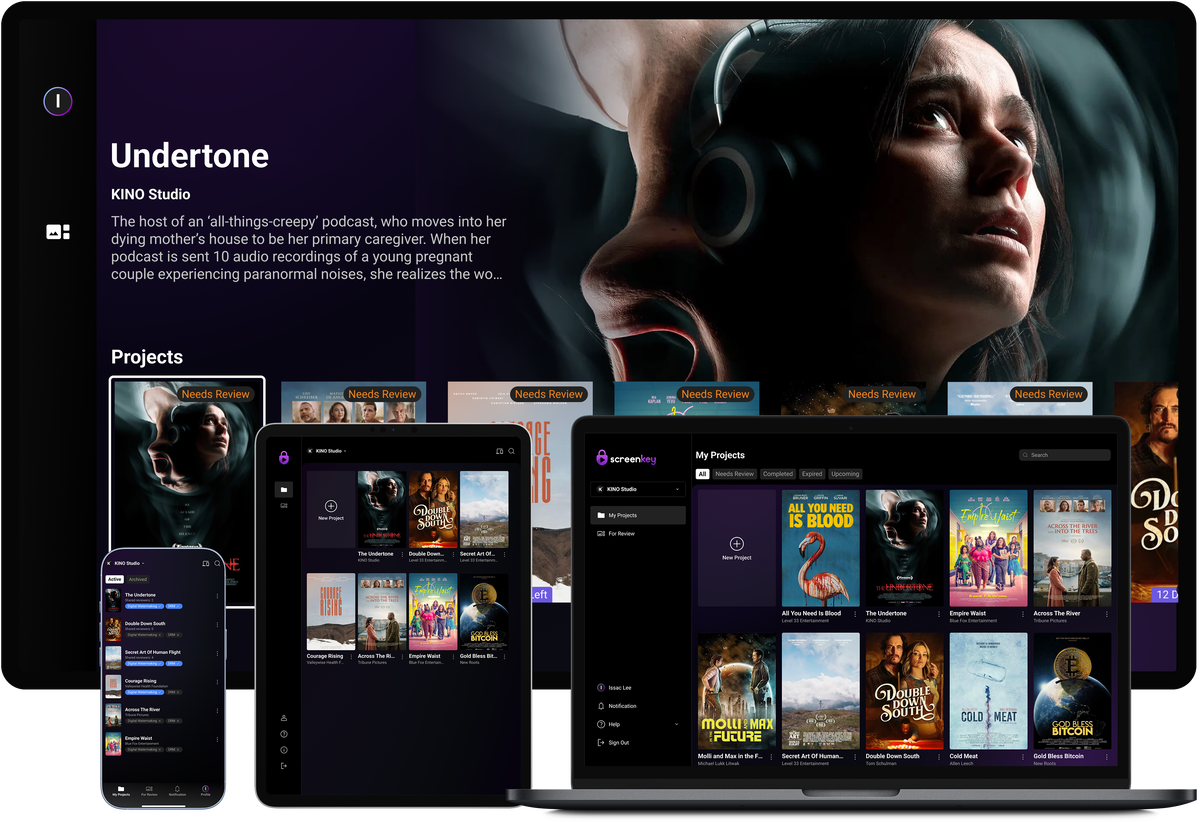

Desktop app
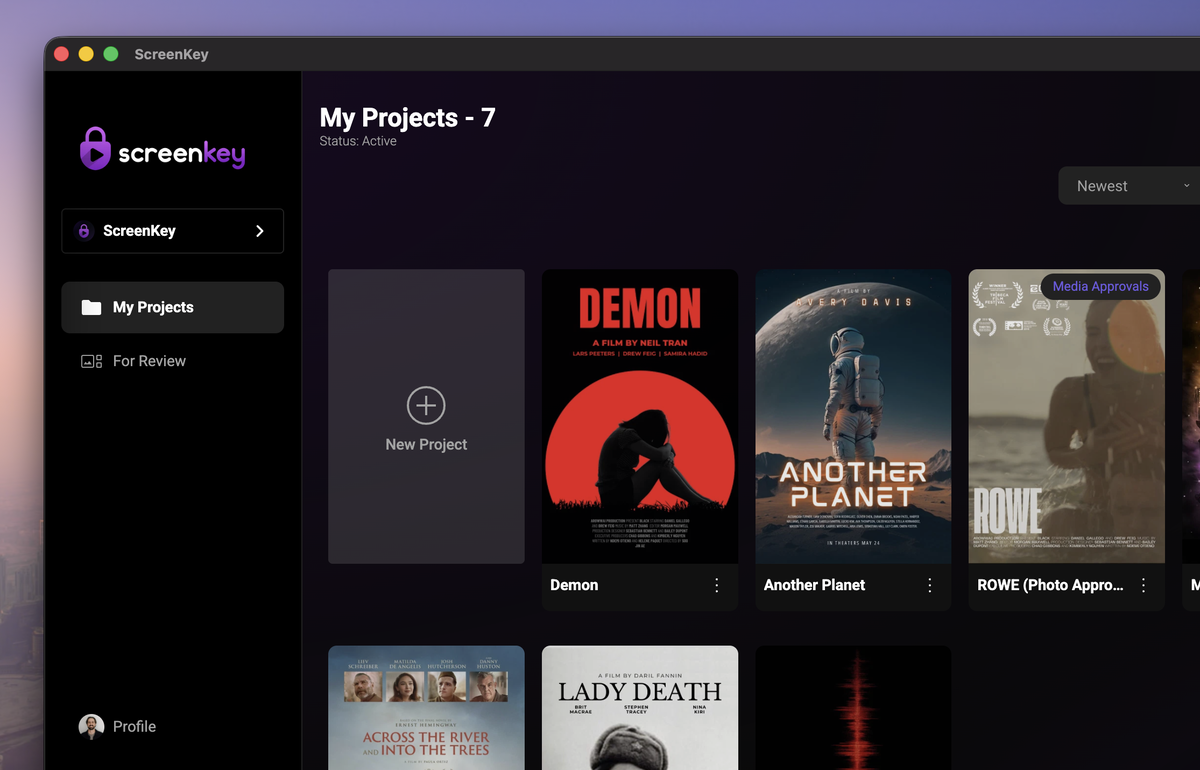
ScreenKey for Mac
Choose the installer that matches your Mac processor.
Native desktop app
Bring secure review, approvals, and screening workflows to the devices your production and distribution teams already use.
Choose the installer that matches your Mac processor.
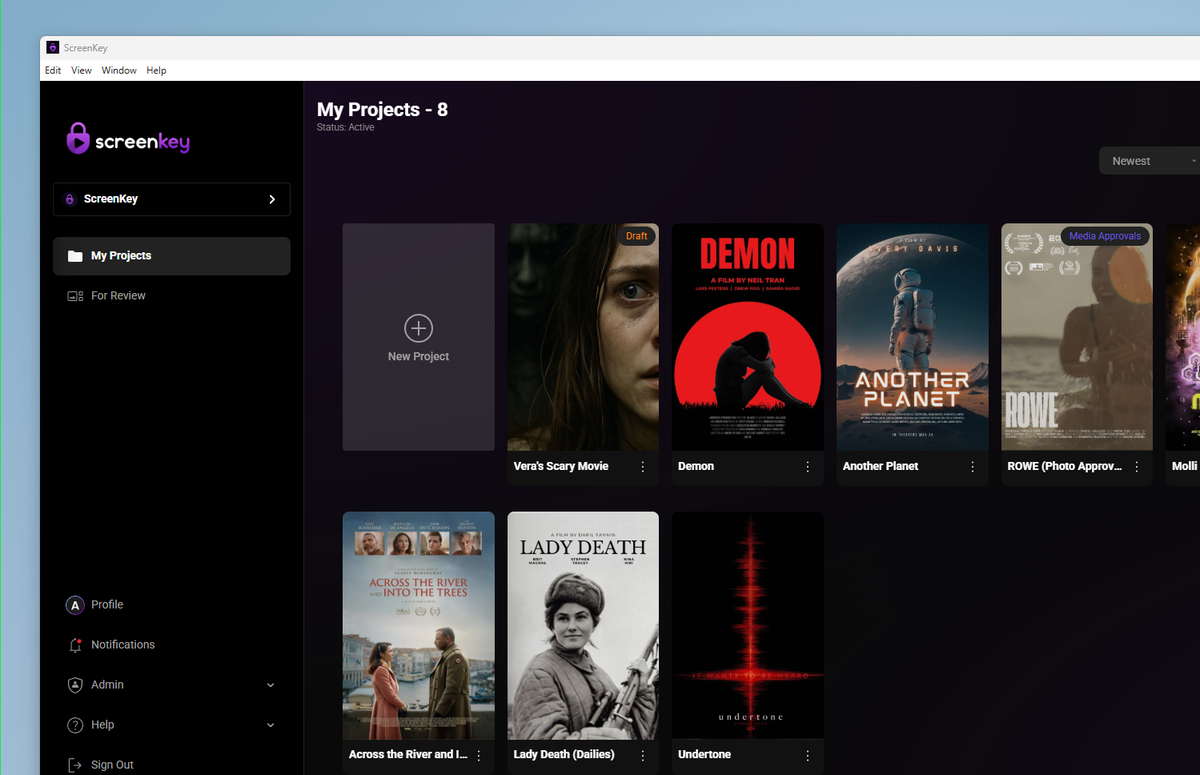
Install ScreenKey on a Windows workstation.
A secure viewing workflow
ScreenKey connects the desktop tools your production team uses with the viewing experiences your reviewers already know. Download the desktop app for teams working with dailies, editorial cuts, approvals, and delivery packages, then use ScreenKey on supported TVs, phones, tablets, and browsers when content needs to be reviewed away from the workstation.
Each project stays organized around the people, versions, and permissions that matter. Teams can share sensitive material with controlled access, keep feedback tied to the right asset, and move an approved cut forward without sending large files through email or creating another disconnected copy. Whether you are reviewing a scene with a small creative group or coordinating a wider screening, ScreenKey gives everyone a consistent, secure place to watch and respond.
Places to watch
Use the platform links below to install ScreenKey where your reviewers watch.